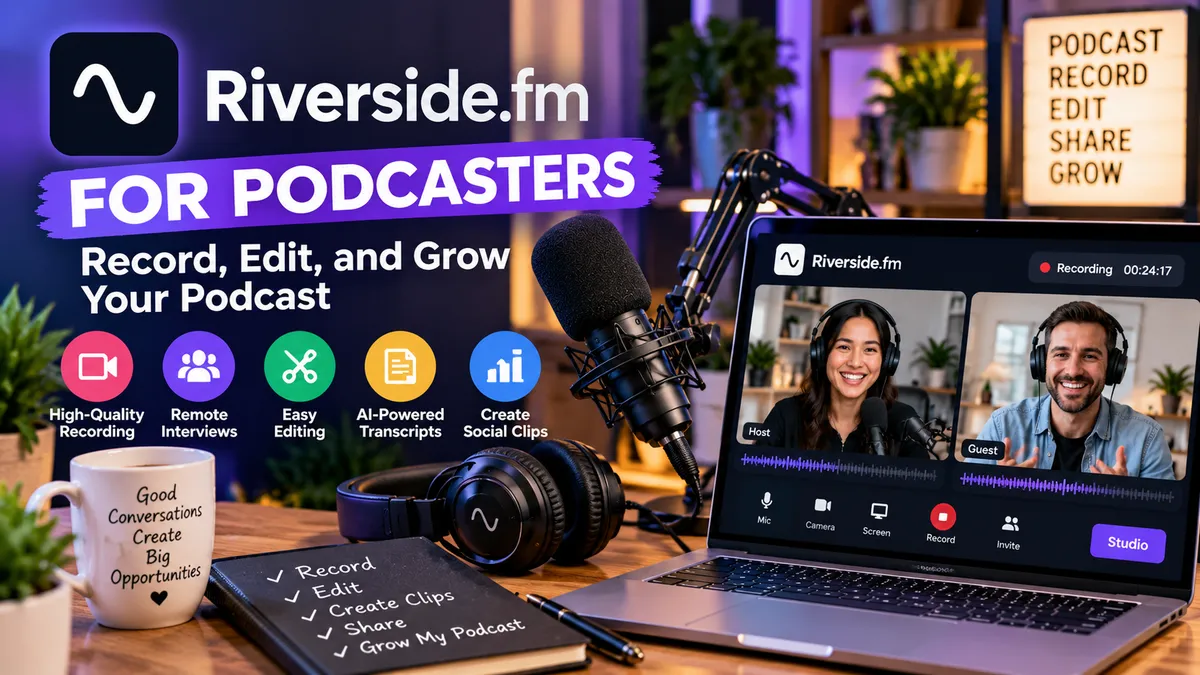
How Riverside.fm Can Help You Record, Create, and Grow Your Podcast
How Riverside.fm Can Help You Record, Create, and Grow Your Podcast
Planning to start a podcast? Discover how Riverside.fm can help you create professional-quality audio and video content, record interviews remotely, simplify editing, and turn your conversations into engaging content for your audience.
Podcasting has become a powerful way for entrepreneurs, business owners, coaches, and content creators to share their knowledge, tell stories, and build meaningful connections.
A successful podcast starts with a clear concept, engaging conversations, and a reliable recording process.
One platform worth exploring is Riverside.fm, an online podcast recording and editing tool designed for creators who want to produce high-quality content.
Whether you're preparing for your first episode or looking to improve your current production workflow, Riverside offers features that can support your podcasting journey.
What Is Riverside.fm?
Riverside is an online recording and content creation platform that allows you to record podcasts, video interviews, webinars, and other content remotely.
It combines high-quality recording, separate audio and video tracks, transcription, editing, and AI-powered content creation tools.
With Riverside, podcast hosts can invite guests from different locations, record conversations, edit episodes, and create promotional content.
Let's explore how it can help you create and manage your podcast.
1. Record Professional-Quality Audio and Video
Audio quality plays an important role in your listeners' experience.
Riverside supports local recording, which means each participant's audio and video are captured directly on their device before being uploaded.
This helps preserve recording quality when internet connections fluctuate.
Depending on your equipment and plan, Riverside supports up to 4K video and uncompressed audio recording.
For podcasters, this provides greater flexibility when producing audio episodes, video podcasts, and interview content.
A good microphone, proper lighting, and a quiet recording environment can further improve your results.
2. Interview Podcast Guests From Anywhere
One of the most exciting parts of podcasting is connecting with people who have valuable experiences and stories to share.
Riverside makes remote interviews easier by allowing guests to join a recording session through an invitation link.
You can interview business owners, industry experts, entrepreneurs, and other creators from different locations.
A typical recording process looks like this:
Create your Riverside recording studio.
Schedule your podcast interview.
Share the guest invitation link.
Check your microphone, camera, and recording settings.
Record your conversation.
Allow the recordings to finish uploading.
Review and edit your episode.
This workflow is particularly useful for interview-based podcasts and shows featuring remote guests.
3. Edit Your Podcast With Built-In Tools
Editing is an important part of podcast production.
It helps improve the flow of conversations, remove unnecessary pauses, and prepare your episode for publishing.
Riverside includes editing tools that allow you to work directly with your recordings.
One particularly useful feature is text-based editing.
Riverside generates a transcript of your recording, allowing you to make certain edits by selecting or removing words from the transcript.
You can also use available editing features to:
Trim unwanted sections
Remove filler words and long pauses
Improve audio clarity
Add captions
Adjust video layouts
Add branding elements
These features can help simplify your editing process and create a more consistent podcast experience.
4. Turn Podcast Episodes Into Social Media Content
A podcast episode can provide content for several marketing channels.
For example, a 45-minute interview may contain valuable insights, memorable quotes, and interesting discussions that can be shared individually.
Riverside includes AI-powered tools that can help identify highlights and create shorter clips from longer recordings.
You can use these clips for:
Instagram Reels
TikTok videos
YouTube Shorts
Facebook content
LinkedIn posts
Podcast episode promotions
You can also use transcripts to develop blog articles, email newsletters, and social media captions.
This creates more opportunities for people to discover your podcast.
5. Create Video Podcasts for YouTube
Video podcasting allows audiences to experience conversations through both audio and visuals.
If you're planning to publish your podcast on YouTube, Riverside can help you record high-quality video interviews and prepare them for editing.
Its separate recording tracks provide flexibility when creating different camera layouts.
You can create interview-style videos, solo podcast episodes, educational discussions, and other video content.
Adding captions, branded visuals, and a consistent intro can help establish your podcast's visual identity.
6. Simplify Your Podcast Production Workflow
Podcast production involves several steps, including planning, recording, editing, preparing promotional materials, and publishing.
Riverside brings many recording and editing activities into one workspace.
You can organize your production process around a repeatable workflow:
Planning: Prepare your episode topic, interview questions, and guest information.
Recording: Invite your guests and record your conversation.
Editing: Review the recording, improve the audio, and prepare the final episode.
Content Creation: Generate clips, captions, and promotional assets.
Publishing: Prepare your episode for your selected podcast and video platforms.
Having a consistent process makes it easier to maintain your publishing schedule.
7. Build Your Personal Brand Through Podcasting
Podcasting creates opportunities to share your expertise and connect with your ideal audience.
For coaches, consultants, entrepreneurs, and service providers, a podcast can become an important part of a larger content marketing strategy.
You can use your episodes to discuss industry topics, interview experts, answer common customer questions, and share valuable insights.
Riverside supports this process by providing tools to record and repurpose your content.
As you develop your podcast, you can build a library of conversations that reflects your expertise and brand.
How to Get Started With Riverside.fm
If you're considering Riverside for your podcast, here are a few steps to help you prepare.
Step 1: Define Your Podcast Concept
Identify your target audience, podcast topics, format, and overall goals.
Step 2: Set Up Your Recording Account
Visit Riverside and explore the available plans and recording features.
Choose a setup that matches your podcasting needs and budget.
Step 3: Prepare Your Equipment
A microphone, headphones, reliable computer, and suitable recording environment are helpful starting points.
If you're creating a video podcast, consider your camera, lighting, and background.
Step 4: Create Your Recording Studio
Configure your microphone, camera, and recording preferences.
You can also explore branding and studio settings.
Step 5: Record a Test Episode
Before inviting your first guest, record a short test session.
Check your audio quality, video framing, and recording workflow.
Step 6: Edit and Prepare Your Episode
Review your recording, make necessary edits, and export the files you need.
You can also create promotional clips and supporting content.
Is Riverside.fm Right for Your Podcast?
Riverside is worth considering if you're planning to:
Launch an interview-based podcast
Record remote podcast guests
Produce audio and video episodes
Create short-form content from interviews
Simplify your recording and editing workflow
Develop a consistent podcast production process
The best recording platform depends on your podcast format, equipment, budget, and production requirements.
Exploring Riverside's available features and testing its recording workflow can help you determine whether it fits your needs.
Need Help Setting Up Riverside for Your Podcast?
Getting started with podcasting involves several decisions, from choosing recording equipment to preparing your first episode.
At Work With Elvie, I help aspiring podcasters, entrepreneurs, and content creators plan their podcast production workflows and get started with the tools they need.
Here's how I can help:
Riverside account and studio setup
Microphone and camera configuration guidance
Remote guest recording preparation
Podcast recording workflow development
Episode planning and production organization
Podcast editing and content repurposing guidance
Podcast launch preparation
We can create a practical recording workflow that supports your podcast goals and content strategy.
Let's Bring Your Podcast Idea to Life!
Every podcast begins with a story, an idea, or a conversation worth sharing.
With a clear plan, reliable recording tools, and an organized production process, you can create a podcast that reflects your voice and connects with your audience.
Riverside offers useful tools to support your podcast production journey, from recording conversations to preparing content for publication.
Planning to launch a podcast or improve your recording setup?
I'd love to help you explore Riverside and prepare your podcast for its next episode.
🎙️ Let's create something meaningful together.
📩 Send a message and let's talk about your podcast!